From “traditional” prototyping to prompting via Make


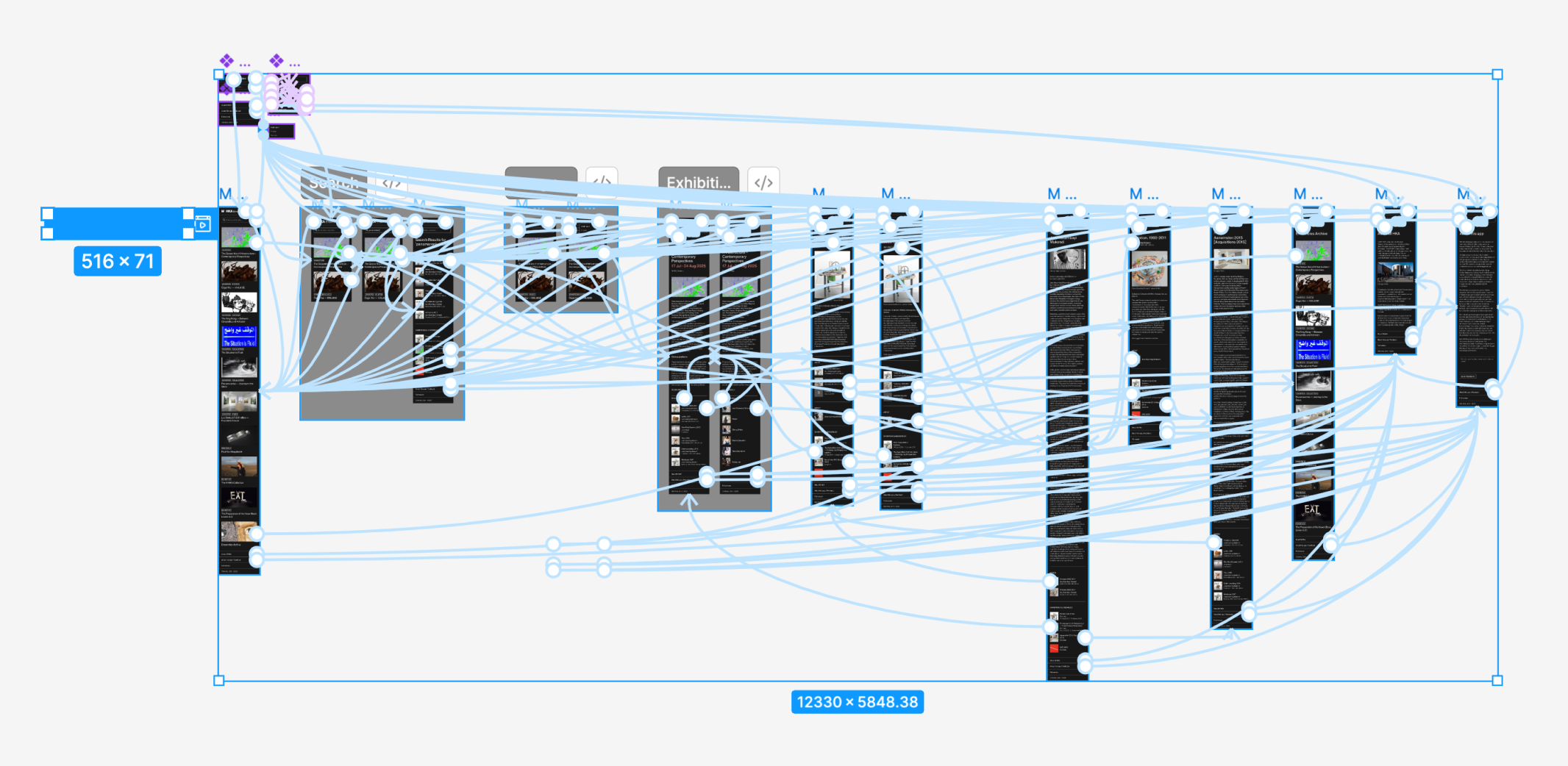
Traditionally, Figma has been focusing on in-vision style prototyping, meaning you have tappable targets that you can click and use those targets to move from screen to screen.
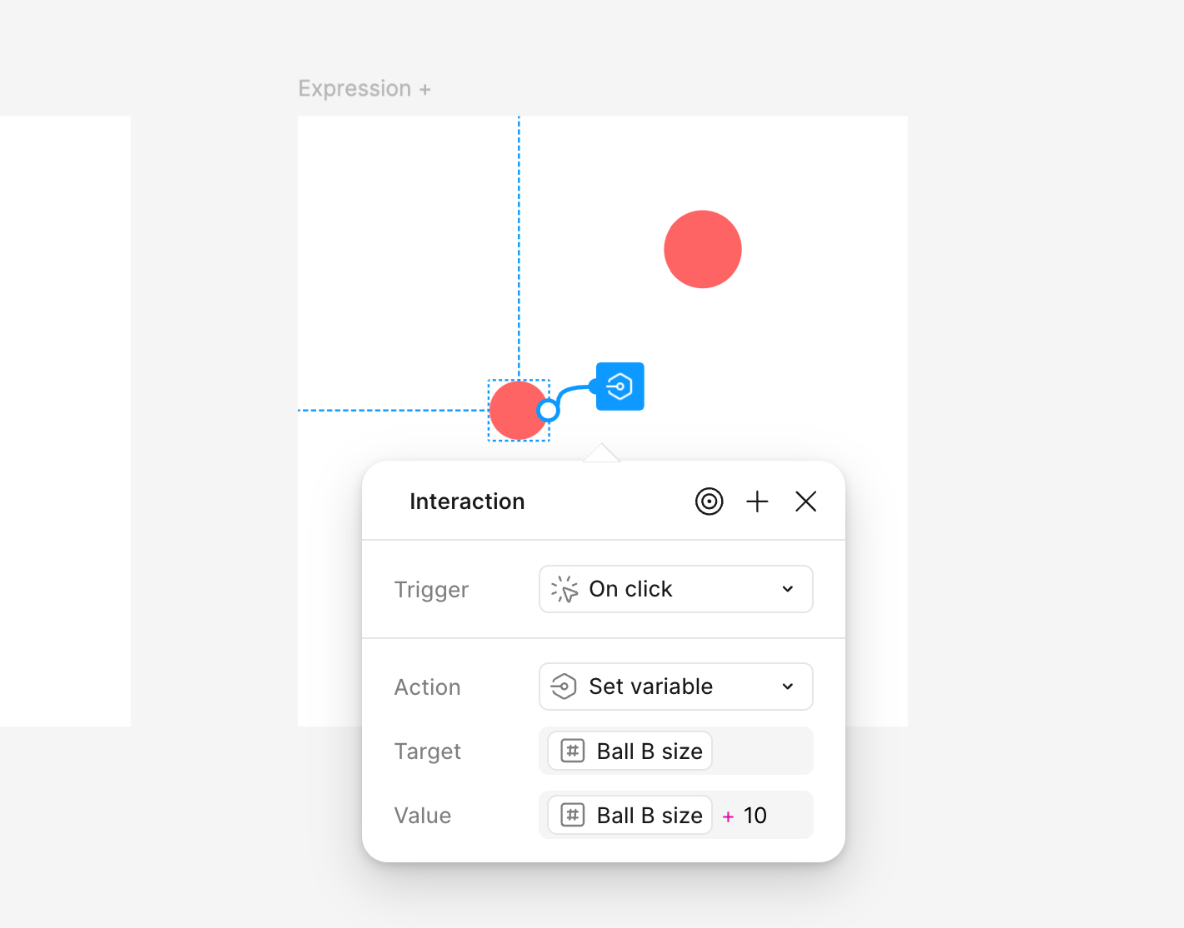
Later on, Figma added (when they released variables), a way to change variable modes and transform variables with expressions as well as use conditionals to determine some logic where a variable would be able to be manipulated, almost as if you were programming.
Generally, I find these use cases for prototyping in design:
- to make clients understand a design before development
- to use prototypes usability testing
- to use prototypes to show micro interactions (e.g. how an animation works)
- use prototypes for storyboarding video content
I believe that for the first two use cases, some prototypes might be better to be made inside of Figma Make or — if you have the coding skills — in a full-on HTML/CSS/JSS prototype.
In our guide to designing interfaces with AI, we present how to do this.
 Bedrock
Figma make
Lately, when you have some layers selected in Figma and go into the prototyping tab, the UI provides a way to send the layers to Figma Make.
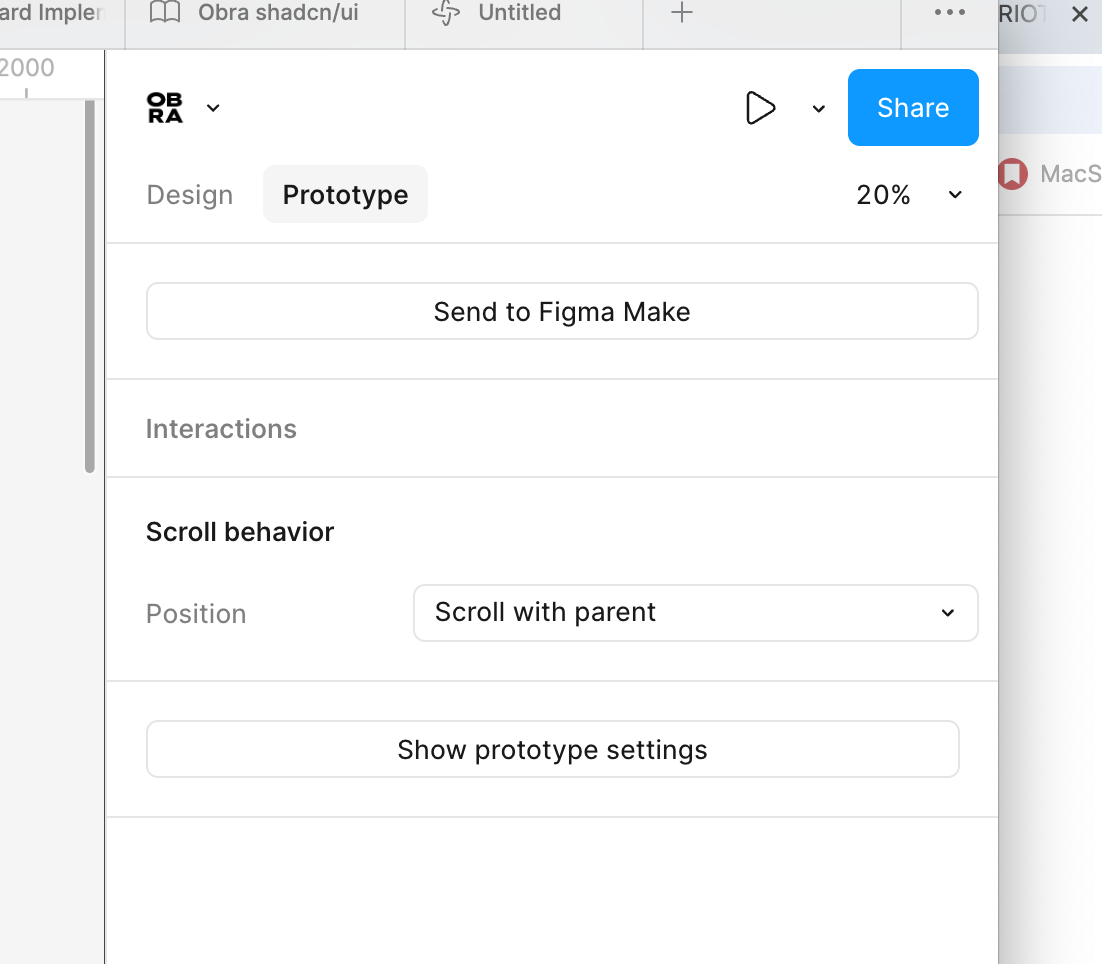
This is a prompt-based way of prototyping, where you provide a prompt, and you wait for the LLM to do its thing and generate an interface.
(The wait is often quite long time and focus-breaking to be honest...)
The end result is a an HTML and CSS prototype, and not a Figma design.
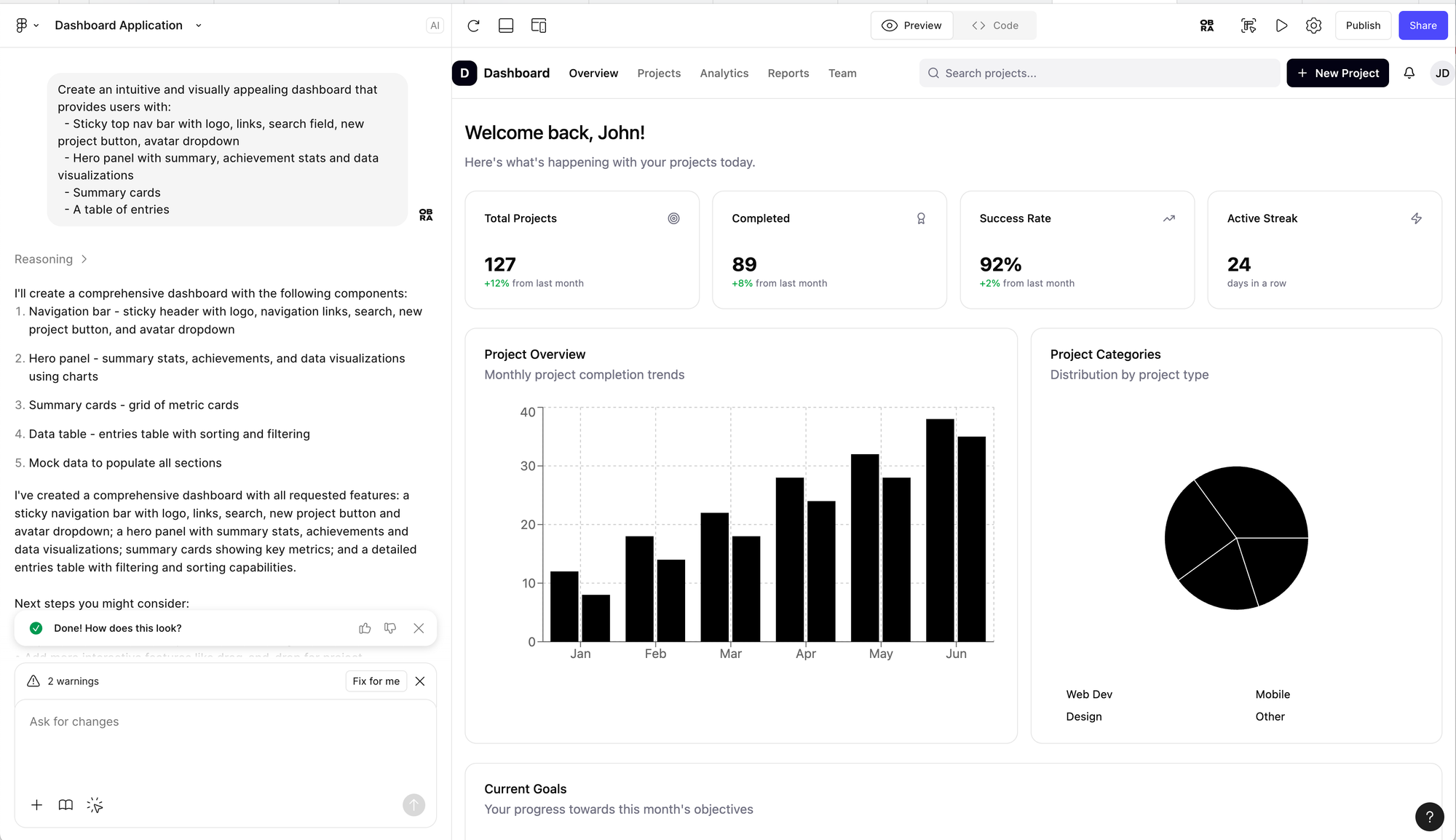
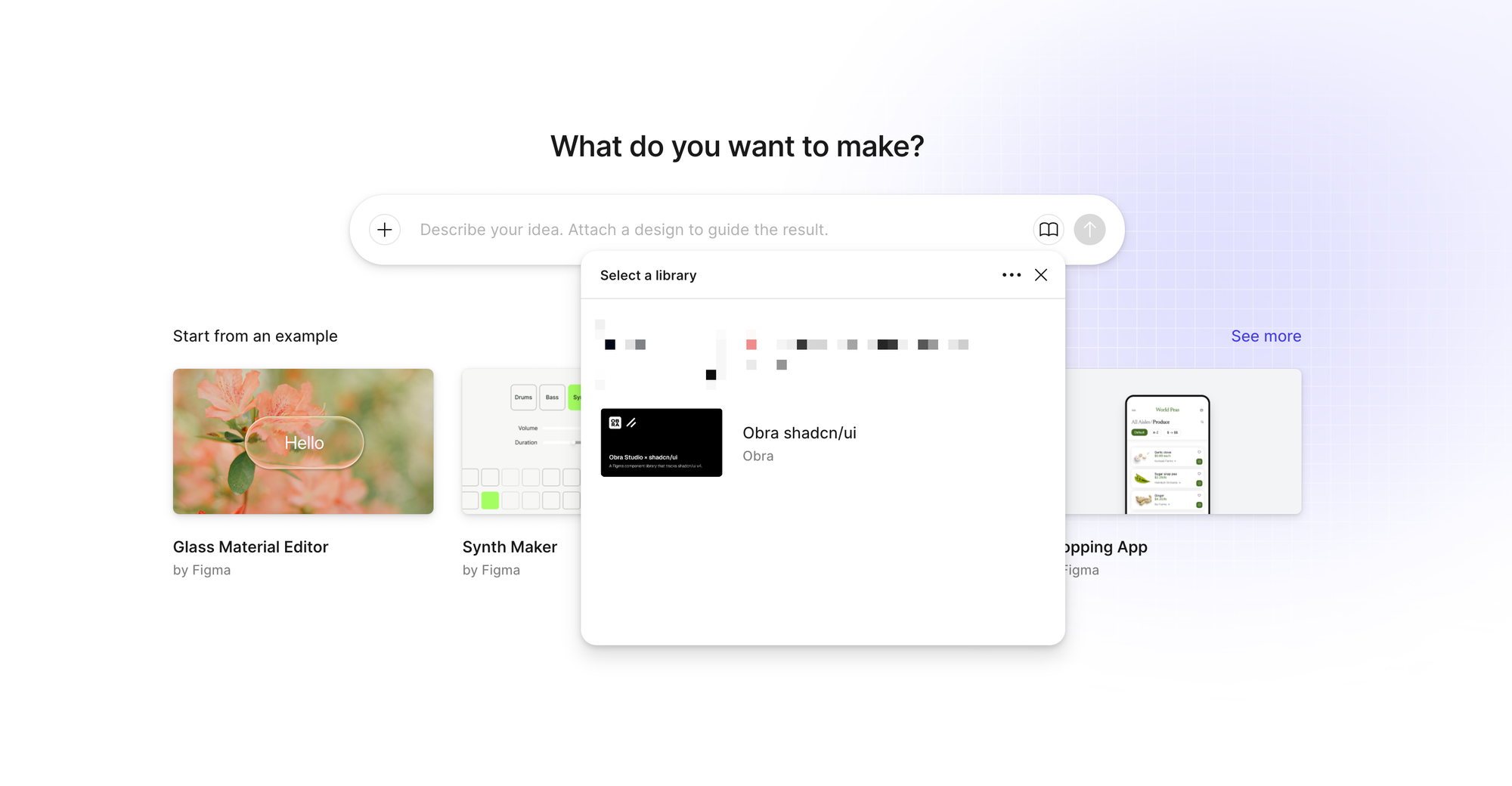
This generated design will not use your design system, but it might look like your design system if you tie your design system to Figma Make.
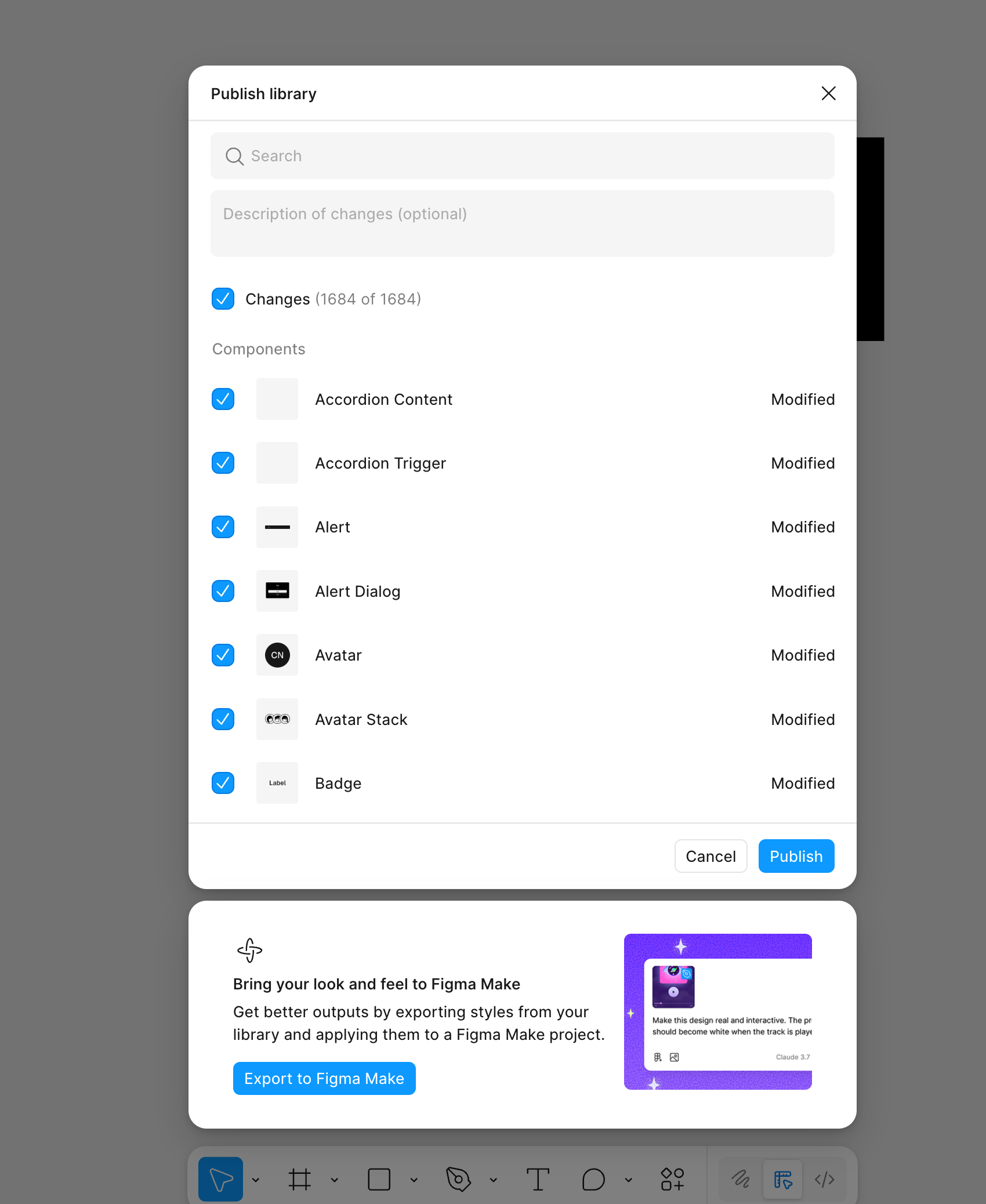
Figma provides a feature to publish a design system to Make. My results with this have been rather mixed.
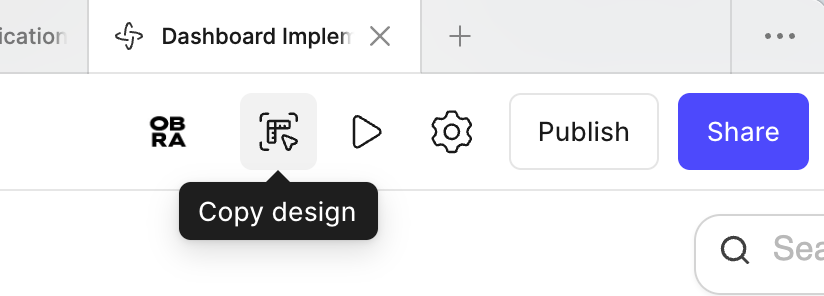
Recently a button has been added that you can copy the generated design back to your file. This logic will also not use your design system but rather use the html.to.design plugin to make editable layers from the HTML/CSS in your prototype.
Next week I am giving a workshop on the traditional prototyping methods in Figma; but I will for sure ask the partipants what they think about Figma Make and if they are using a tool like this somewhere in their workflow.
Figma Make has the unique advantage that it read out Figma's layer data without technical interventions (such as setting up an MCP server - check the first 5 minutes of this video).
Another advantage is has is that the data lives within the confines of Figma and has the same access controls as a Figma file.